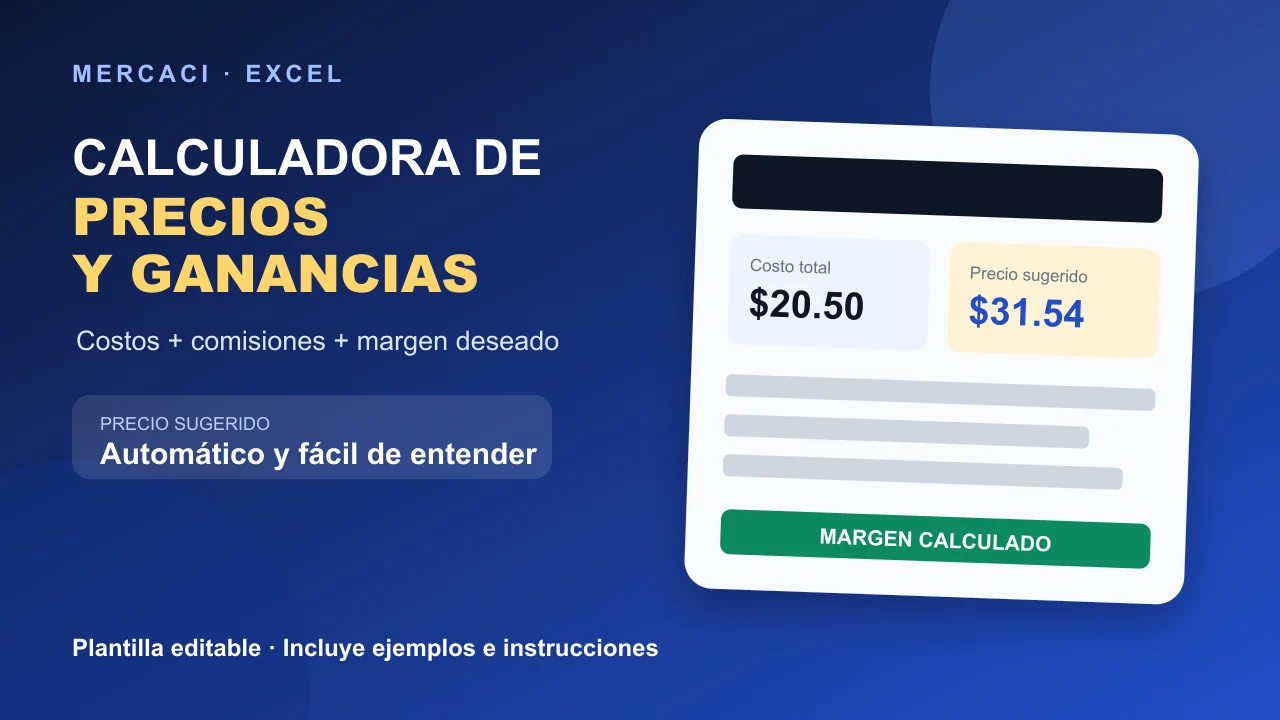
Find out how much to charge without losing money. This template automatically calculates total cost, suggested price, profit, and net margin for each product or service. It includes fields for materials, labor hours, hourly rate, other costs, sales-channel fees, and desired margin. You receive an editable Excel file with examples and clear instructions.
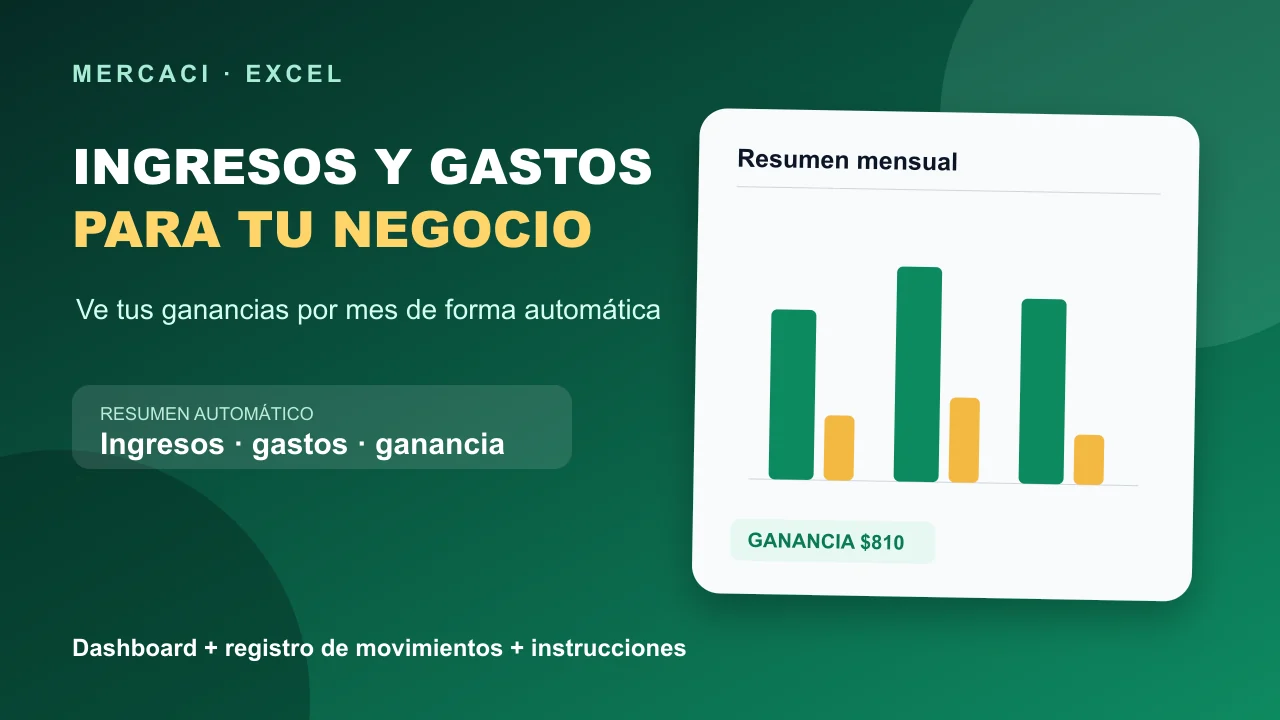
Organize your business finances without complicated formulas. Record each income and expense and automatically view totals, profit, margin, and a monthly chart. Includes drop-down lists, sample data, and instructions. Editable Excel file.
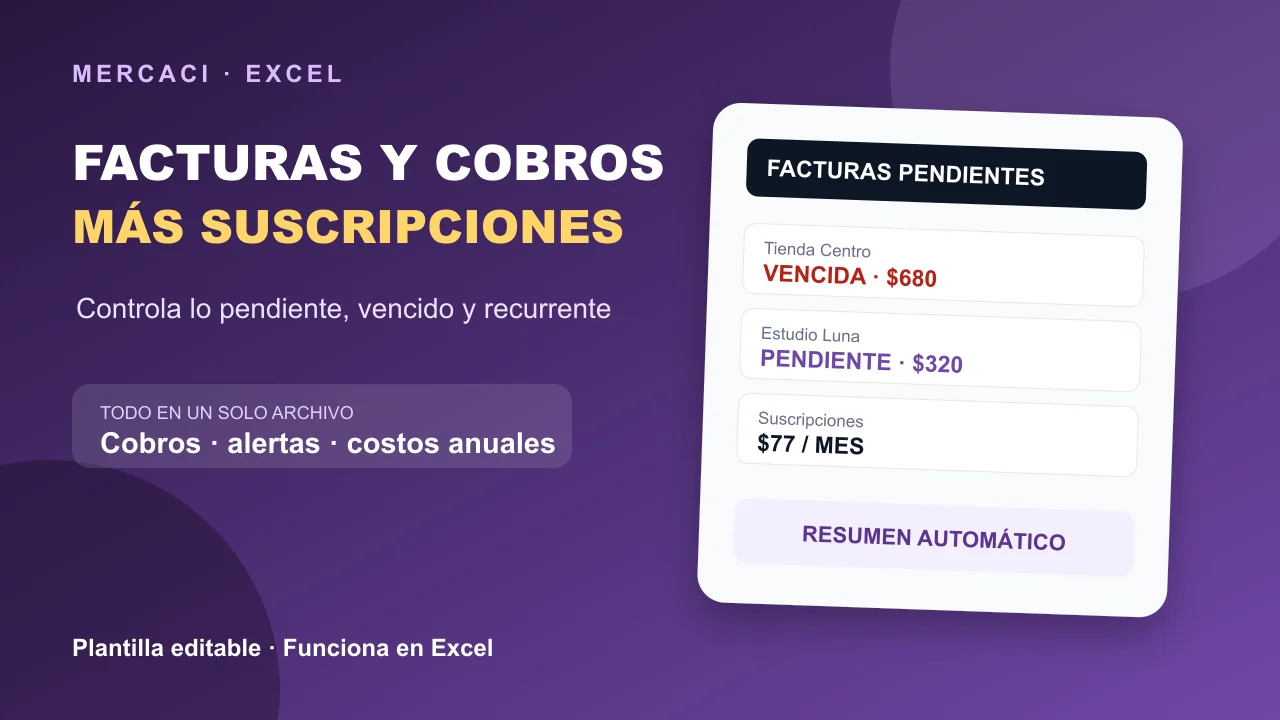
Track what you have invoiced, what customers still owe you, and how much you spend on subscriptions. The template calculates outstanding payments, overdue invoices, days late, and recurring monthly and annual costs. Includes an automatic summary, drop-down lists, examples, and instructions. Editable Excel file.
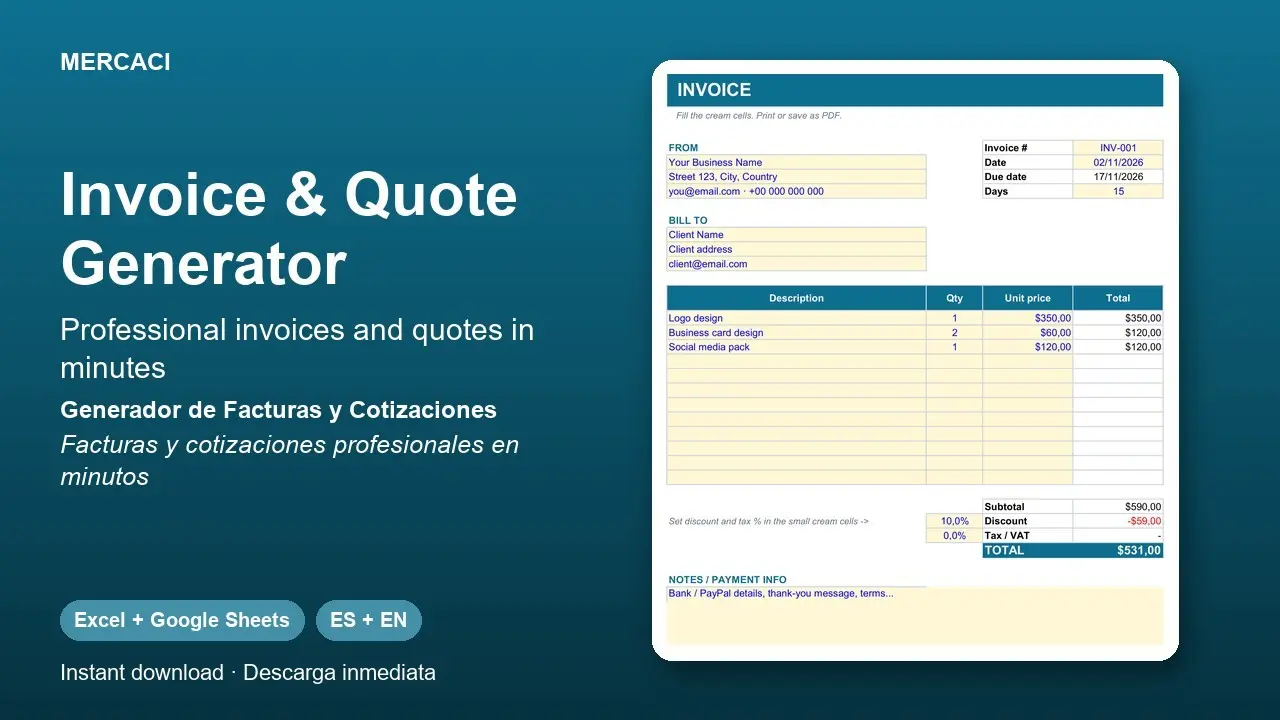
Create good-looking invoices and quotes in minutes. Change your business and client details, enter up to 12 lines and totals, discount, tax and due date calculate by themselves. Print it or save it as a PDF.
Includes:
• Invoice sheet and Quote sheet
• Editable discount and tax
• Clean one-page layout ready to print
• Instructions inside the file
Check the invoicing rules of your country.
Format: Excel (.xlsx), also works in Google Sheets. Includes the English and the Spanish version.
Delivery: instant download (ZIP file).
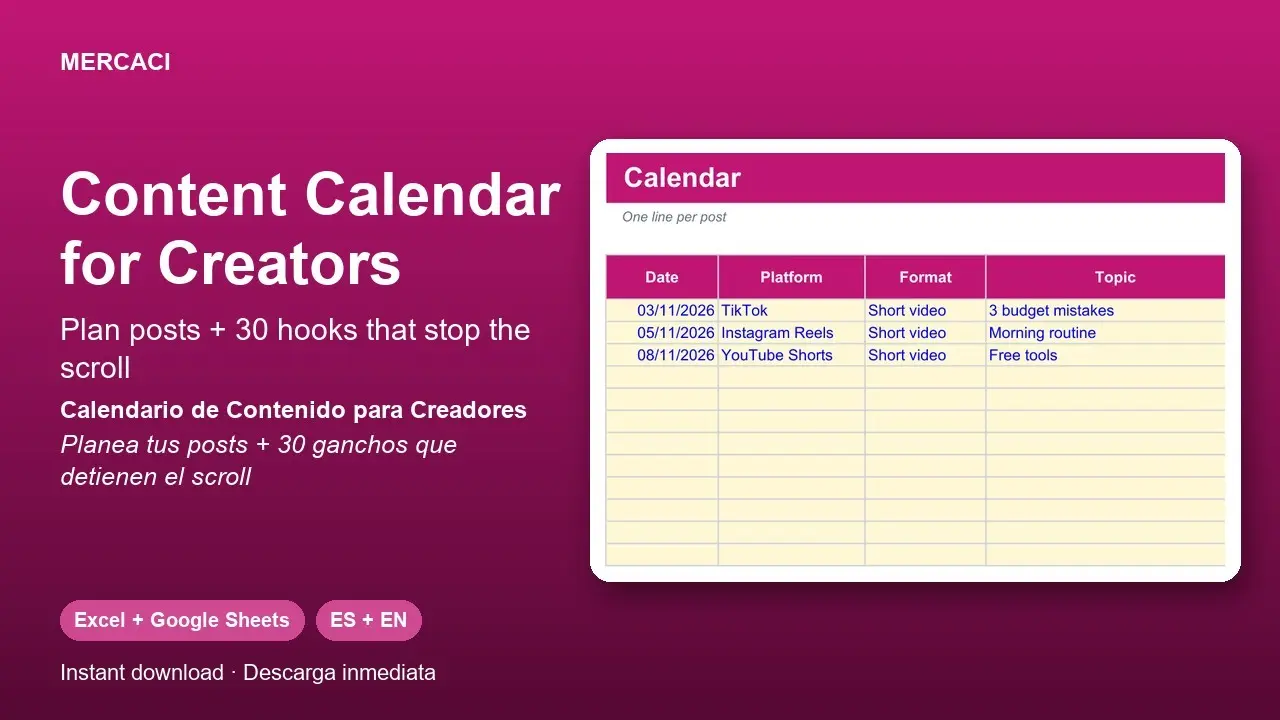
Organize your TikTok, Instagram, YouTube Shorts and Facebook posts in one place. Plan date, topic and hook, move each post from Idea to Published (color coded), log your views and see which content works best. Includes 30 opening lines you can copy and fill in.
Includes:
• Calendar for up to 100 posts with color-coded status
• Engagement calculation per post
• Summary of views, best post and posts per platform
• 30 ready-to-use hooks
• Instructions inside the file
Format: Excel (.xlsx), also works in Google Sheets. Includes the English and the Spanish version.
Delivery: instant download (ZIP file).
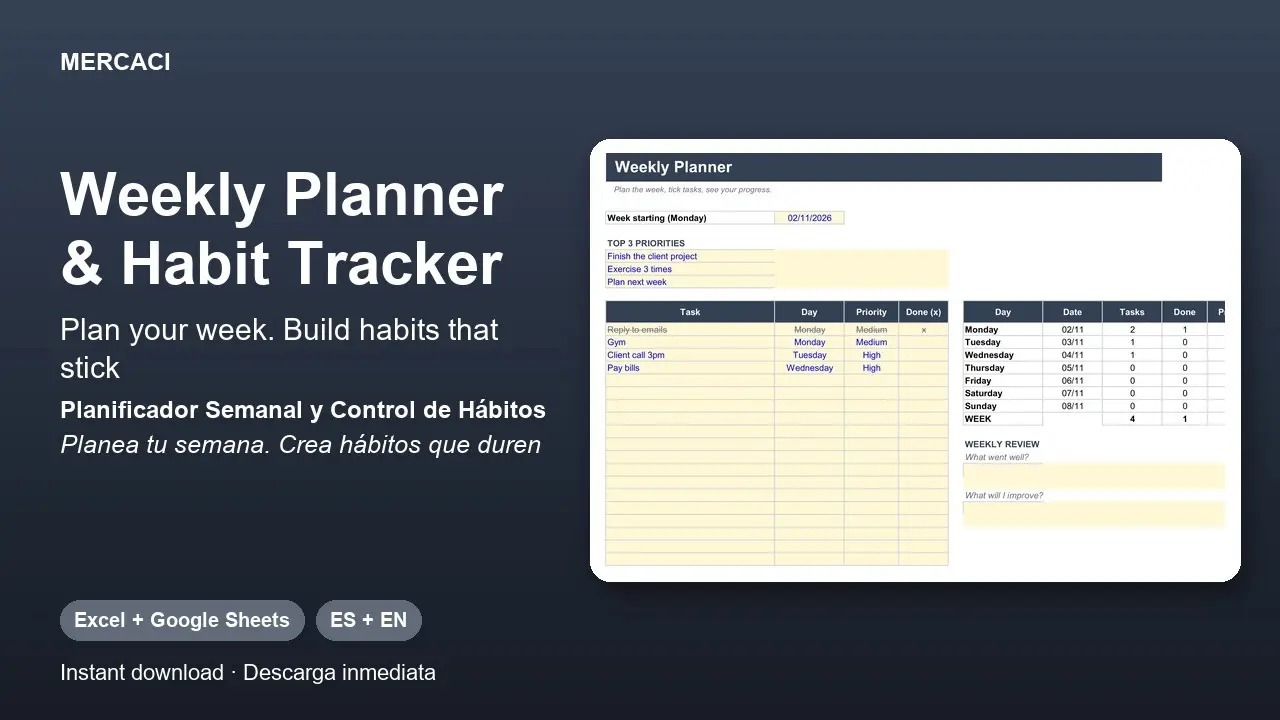
Two tools in one file. The weekly planner lets you write your top 3 priorities and all your tasks with day and priority, tick what is done and see your progress per day and for the whole week. The habit tracker follows up to 10 habits across the month with cells that turn green and a consistency percentage.
Includes:
• Weekly planner with 40 tasks and a weekly review
• Tracker for up to 10 habits per month
• Automatic progress
• Instructions inside the file
Format: Excel (.xlsx), also works in Google Sheets. Includes the English and the Spanish version.
Delivery: instant download (ZIP file).
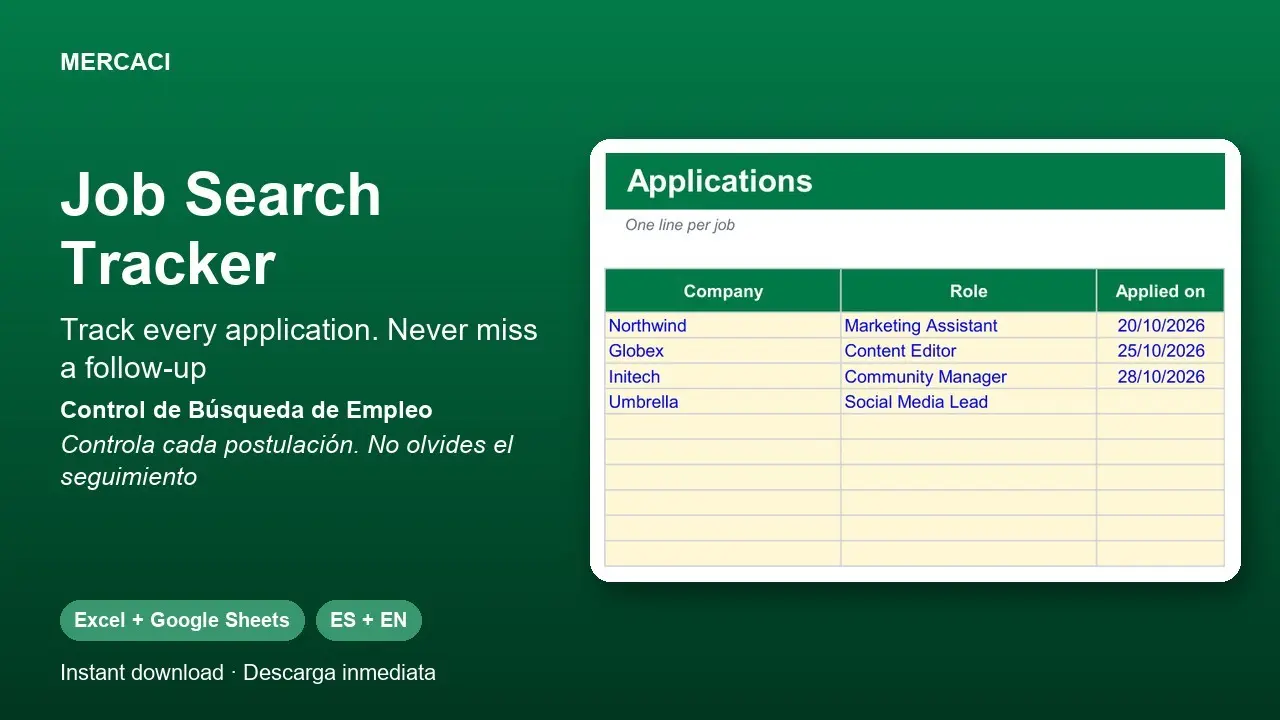
Get your job search organized. Log every job you apply to with its status (from Wishlist to Offer) and the template shows a follow-up date that turns red when it is time to write back, plus your response and interview rates. Includes a sheet to prepare your answers to 12 common interview questions.
Includes:
• Up to 100 applications with color-coded status
• Pending follow-up alerts
• Dashboard with response and interview rates
• Interview prep with 12 questions
• Instructions inside the file
Format: Excel (.xlsx), also works in Google Sheets. Includes the English and the Spanish version.
Delivery: instant download (ZIP file).
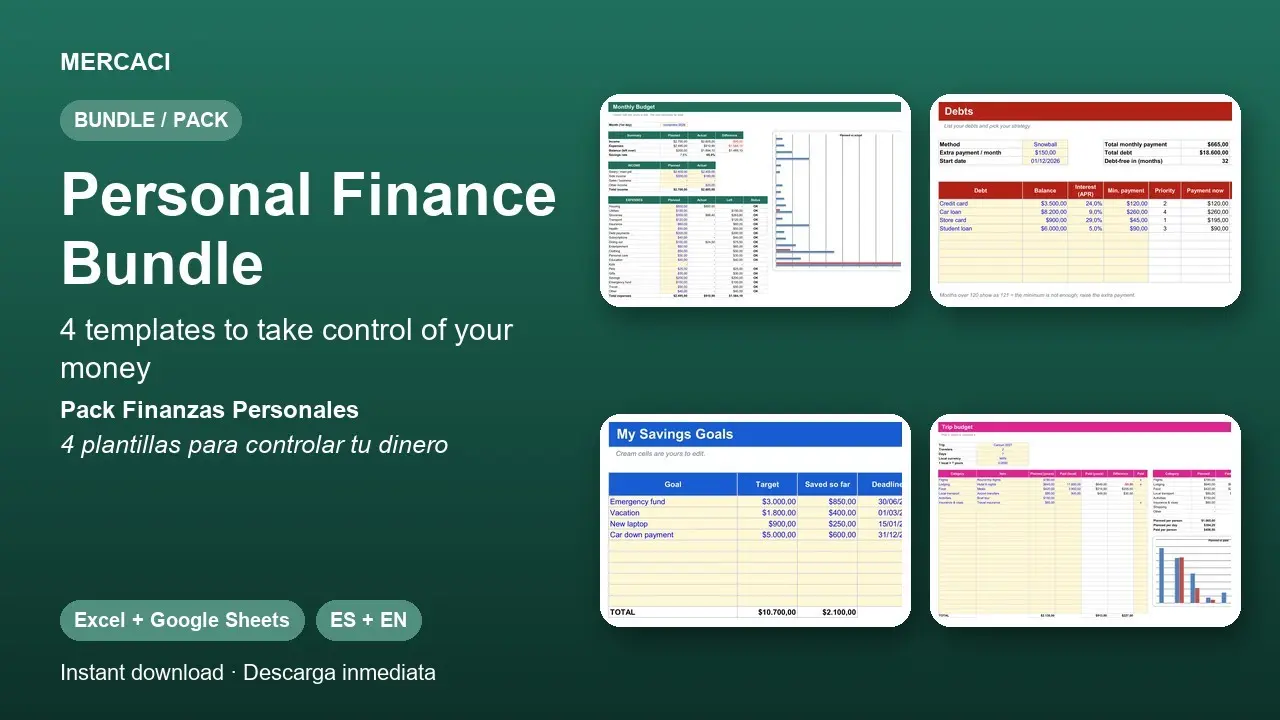
Four templates to organize your money in one package, cheaper than buying them separately.
Includes:
• Monthly Budget Planner
• Debt Payoff Planner
• Savings Goals & 52-Week Challenge
• Trip Budget Planner
Format: Excel (.xlsx), also works in Google Sheets. Every template comes in English and Spanish.
Delivery: instant download (ZIP file).
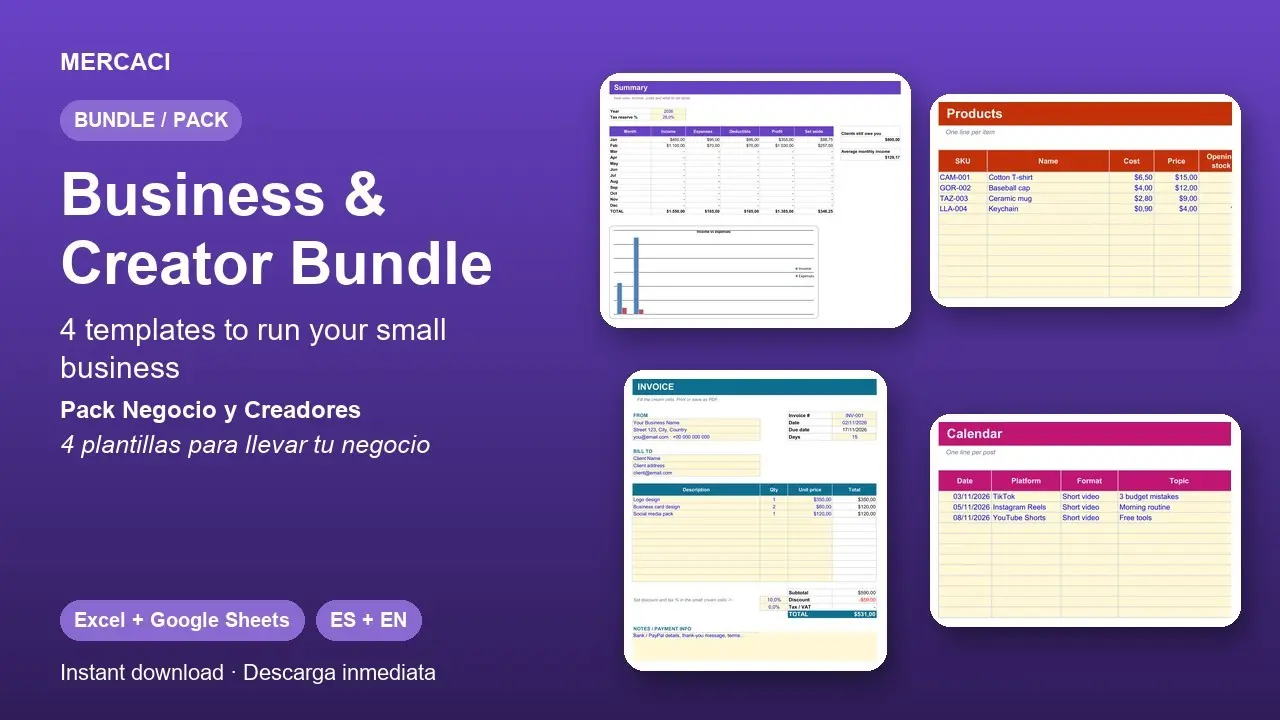
Four templates to run your business or channel in one package, cheaper than buying them separately.
Includes:
• Freelancer Income & Expense Tracker
• Inventory & Sales Tracker
• Invoice & Quote Generator
• Content Calendar for Creators
Format: Excel (.xlsx), also works in Google Sheets. Every template comes in English and Spanish.
Delivery: instant download (ZIP file).
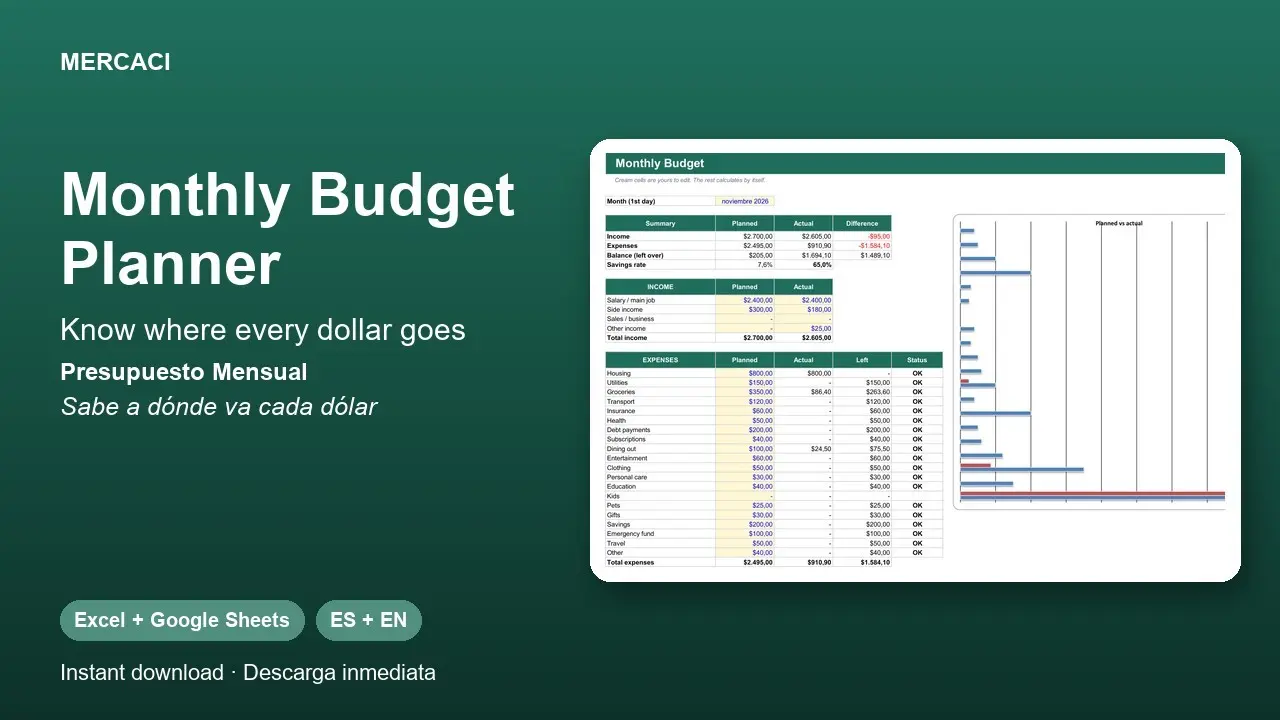
Plan your money month by month without the headache. Enter what you expect to earn and spend across 20 categories, log your expenses in the transactions sheet and the template calculates what you have spent, what is left and your savings rate. Go over a category and it turns red.
Includes:
• Budget sheet with income and 20 expense categories
• Transactions log with dropdown lists
• Planned vs actual chart
• Step-by-step instructions inside the file
Format: Excel (.xlsx), also works in Google Sheets. Includes the English and the Spanish version.
Delivery: instant download (ZIP file).
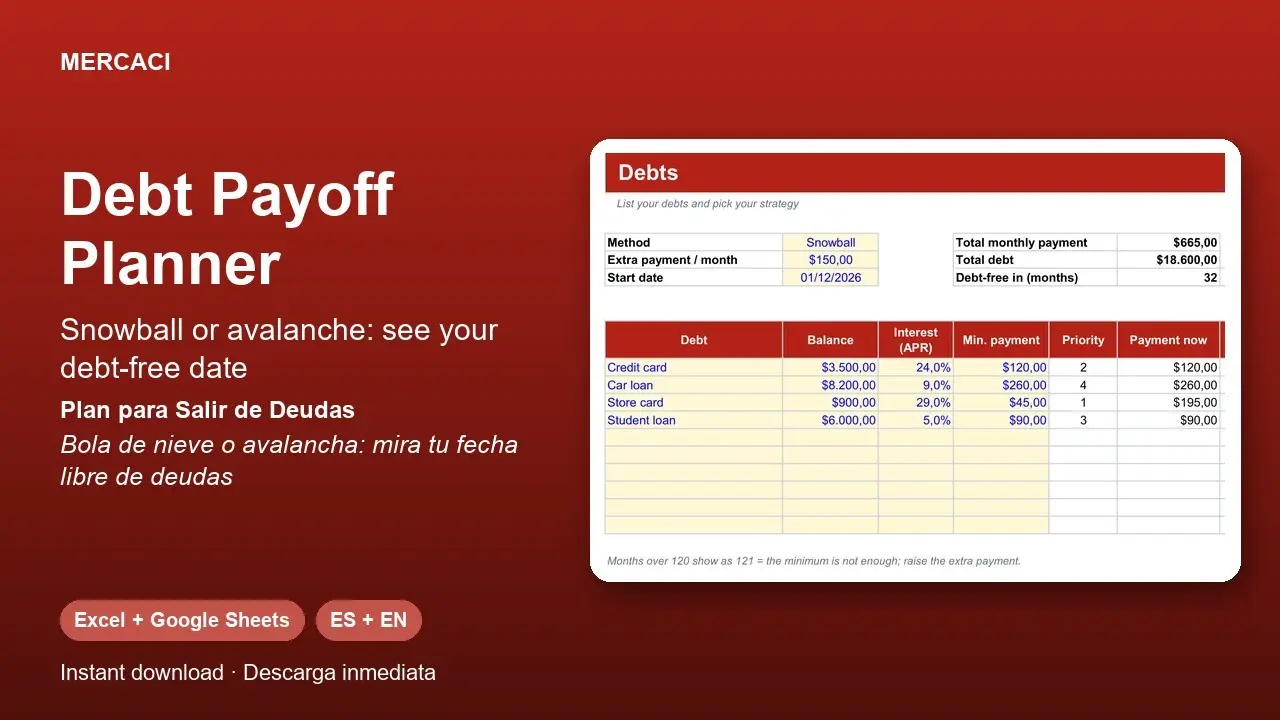
List your debts (balance, interest rate and minimum payment), pick the snowball or avalanche method, enter how much extra you can pay each month and the template shows the month each debt ends, the total interest you will pay and your debt-free date. Every payment you free up rolls into the next debt.
Includes:
• Up to 10 debts
• Month-by-month simulation (up to 10 years)
• Log of real payments
• Instructions inside the file
Results are estimates assuming fixed rates and on-time payments. Not financial advice.
Format: Excel (.xlsx), also works in Google Sheets. Includes the English and the Spanish version.
Delivery: instant download (ZIP file).
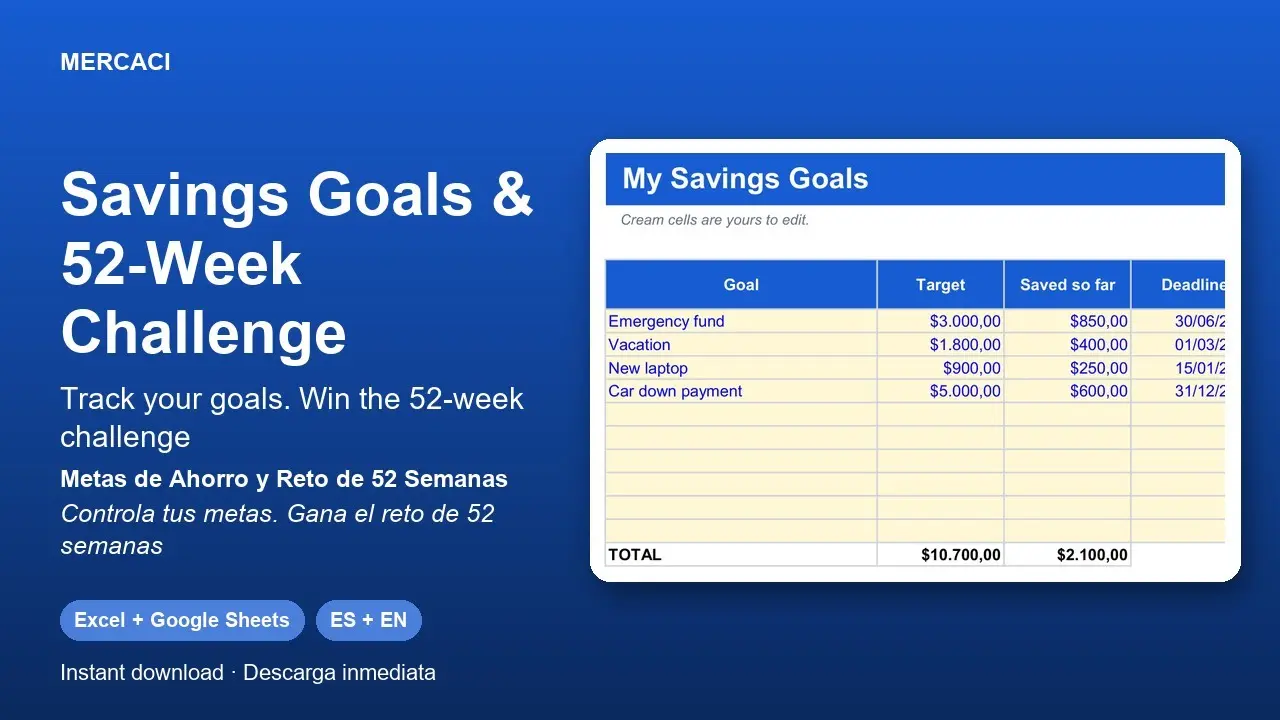
For each goal (emergency fund, trip, laptop, car...) enter what you need, what you have and the deadline, and the template tells you how much to save each month to arrive on time, with a progress bar. It also includes the popular 52-week savings challenge with a checklist.
Includes:
• Goals sheet with monthly savings calculation
• 52-week challenge with an editable base amount
• Automatic progress percentage
• Instructions inside the file
Format: Excel (.xlsx), also works in Google Sheets. Includes the English and the Spanish version.
Delivery: instant download (ZIP file).
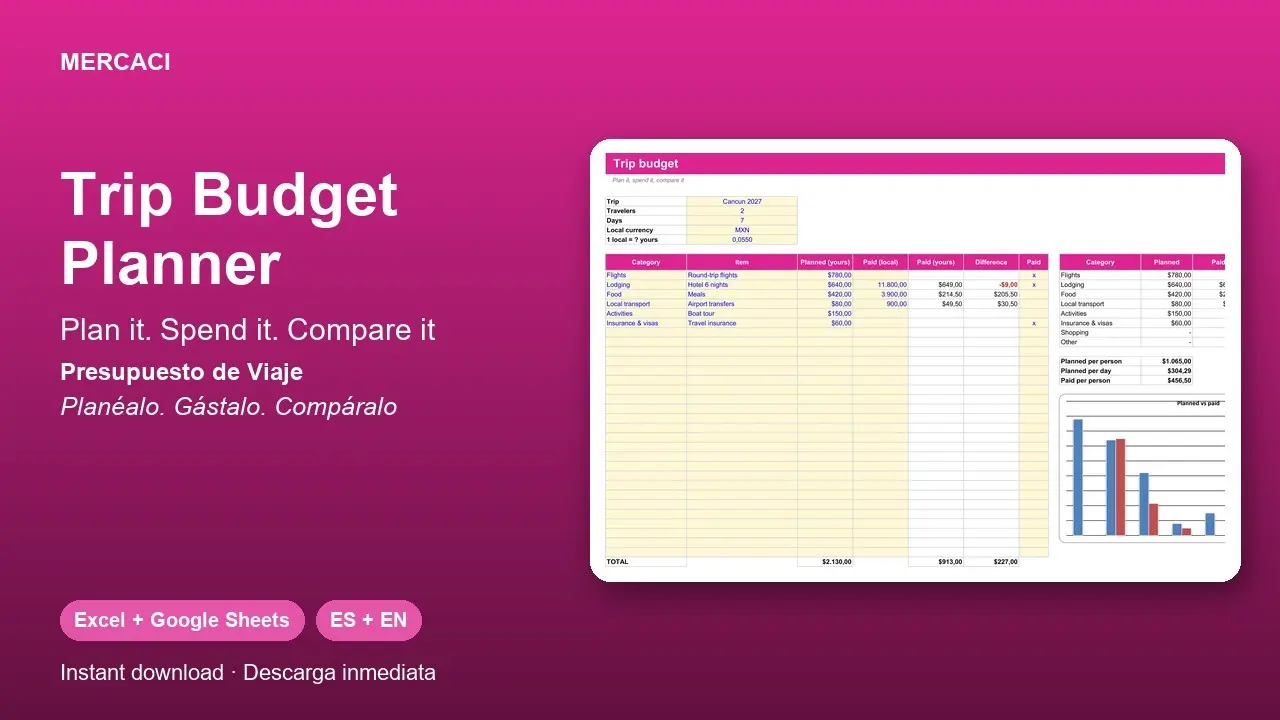
Plan how much you will spend on your trip and compare it with what you really pay. Enter your plan in your own currency, then during the trip log what you paid in local currency: it converts automatically with the exchange rate you set. See the total, cost per person and per day, and which category went over.
Includes:
• 8 categories (flights, lodging, food, transport...)
• Automatic conversion from local currency to yours
• Summary and planned vs paid chart
• Instructions inside the file
Format: Excel (.xlsx), also works in Google Sheets. Includes the English and the Spanish version.
Delivery: instant download (ZIP file).
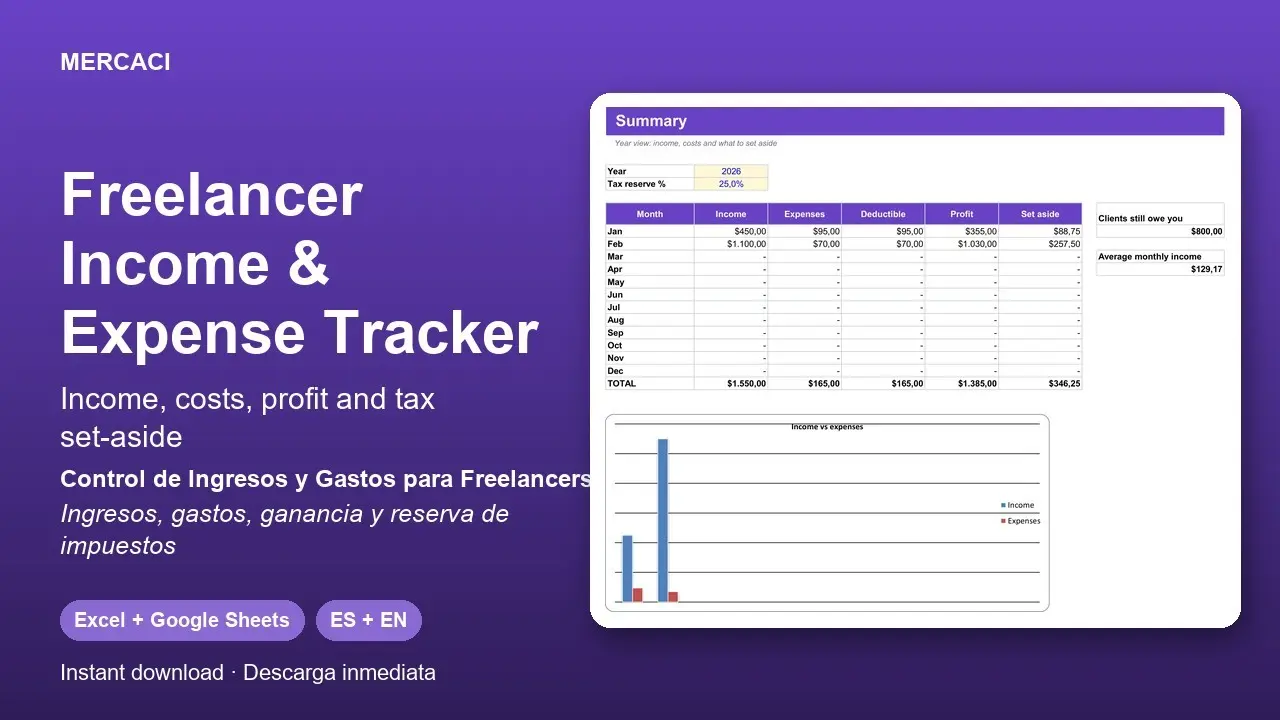
Log every payment and every business cost of your freelance work and see, month by month, what came in, what you spent, what profit is left and how much to set aside for taxes at the percentage you choose. It also shows how much your clients still owe you.
Includes:
• Income log with paid / unpaid status
• Expense log with categories and a deductible flag
• Yearly summary by month with chart
• Instructions inside the file
Tax rules differ by country: this is an organizing tool, not tax advice.
Format: Excel (.xlsx), also works in Google Sheets. Includes the English and the Spanish version.
Delivery: instant download (ZIP file).
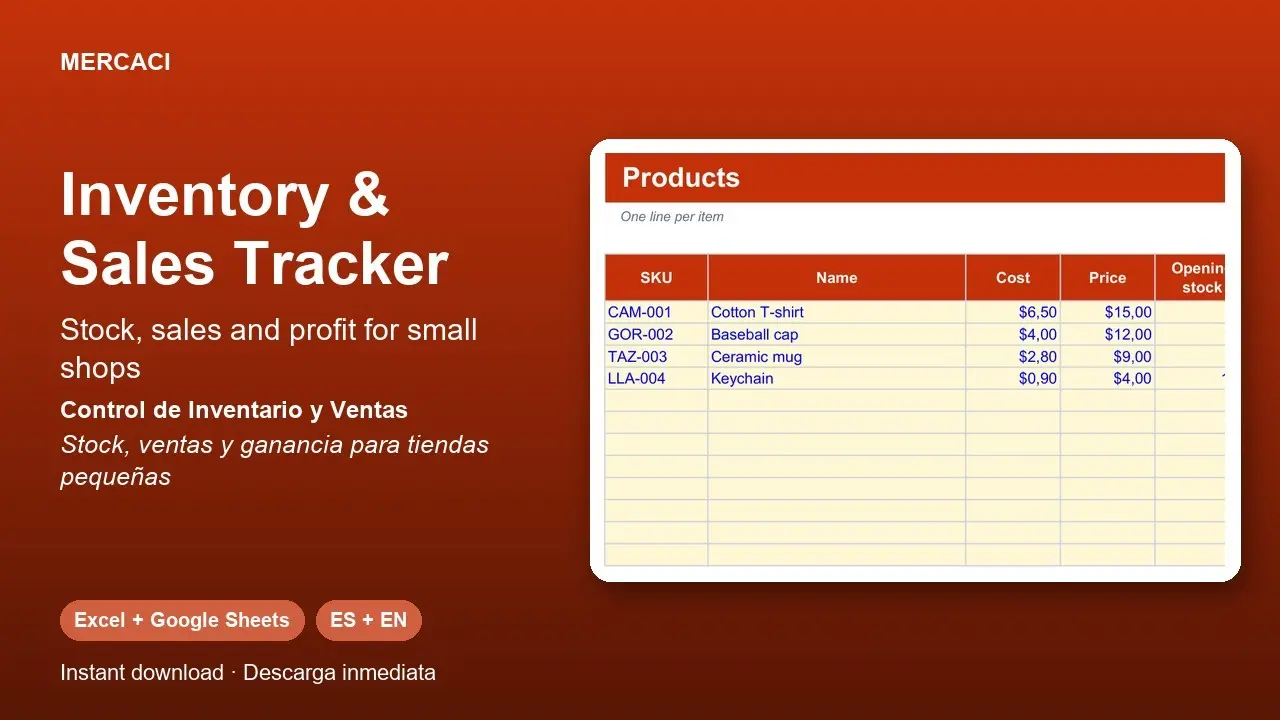
Control your shop's stock without expensive software. Register your products once, log each sale and each restock, and the template calculates current stock, profit and margin and flags in red when it is time to reorder.
Includes:
• Up to 30 products with cost, price and reorder level
• Sales log (price and profit fill themselves)
• Purchases / restock log
• Dashboard with revenue, profit and stock value
• Instructions inside the file
Format: Excel (.xlsx), also works in Google Sheets. Includes the English and the Spanish version.
Delivery: instant download (ZIP file).
Create up to 100 professional images in minutes using your own phrases and backgrounds. Choose between different formats, styles, fonts and colors, review the results and download everything as a ZIP file. It works directly in your browser, with no installation and without uploading your files to the internet.
Does your bathroom have a bad smell that keeps coming back? This practical guide helps you find the cause and apply the right fix without wasting time on remedies that only hide the problem. In its 16 pages you will find clear photos, simple explanations and numbered procedures to check and clean the sink, the stopper, the overflow, the trap, the floor drains and the toilet area.
You will learn to:
• Tell sewer smell, dampness and built-up residue apart.
• Quickly identify where the smell comes from.
• Clean the sink stopper, overflow and trap correctly.
• Restore the water seal of drains that are rarely used.
• Spot possible problems in the toilet or the ventilation.
• Check that the fix really worked.
• Know when you can solve it yourself and when to call a plumber.
• Avoid dangerous chemical mixtures and work safely.
A visual, direct and easy-to-follow manual for anyone who wants a clean, fresh, odor-free bathroom.
Format: digital PDF · Length: 16 pages · Language: Spanish · Delivery: instant download
☾No products found
Try another word or pick a different category.
Your privacy matters
We use essential storage to remember your choice. Optional cookies stay off unless you accept them.